


As you prepare for the holidays, we want to share a quick tip for your biggest cooking days ahead.
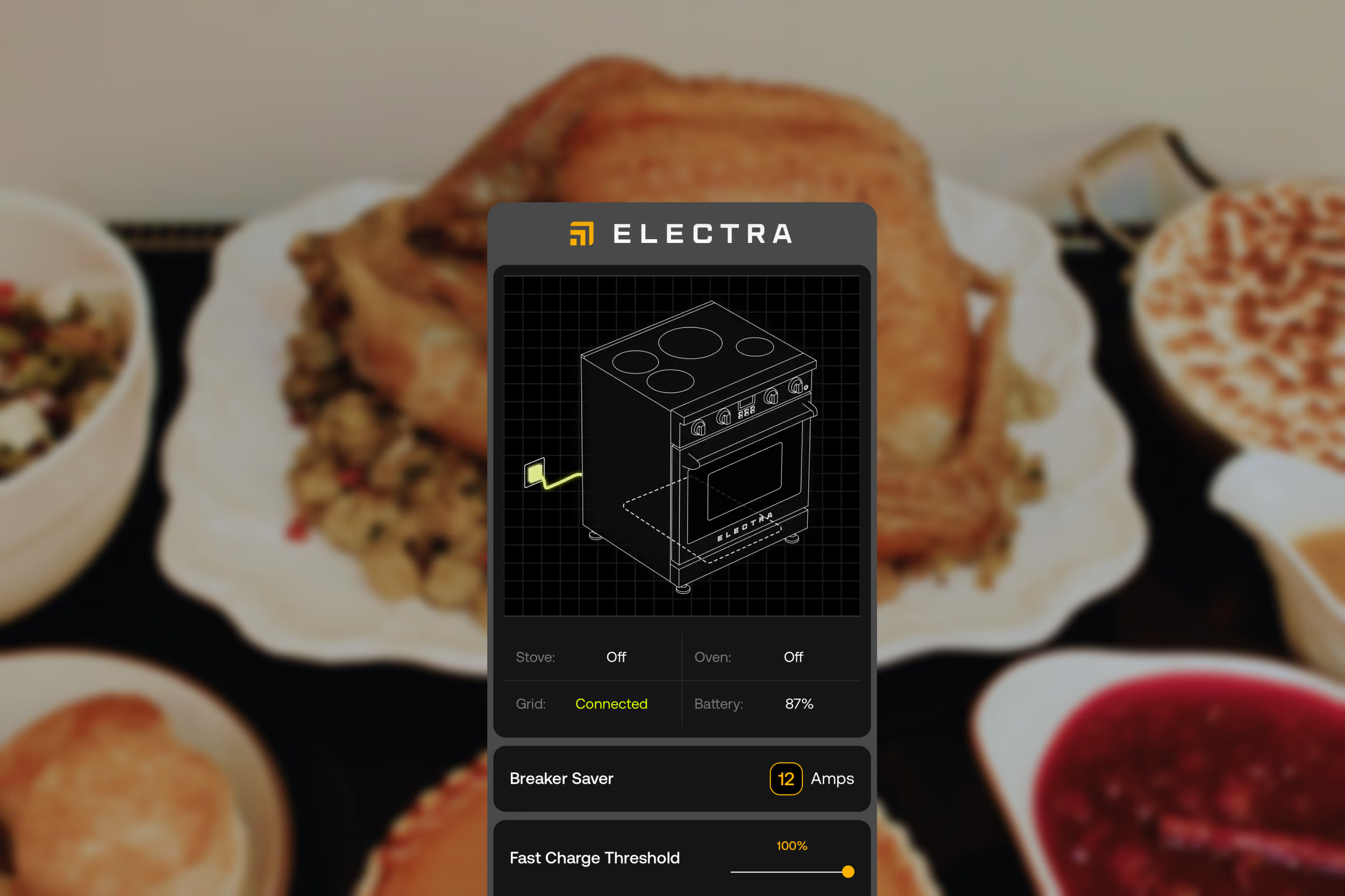
Electra's default settings are great for everyday cooking. But if you're making a big feast (for 10+ people), we recommend temporarily adjusting one setting on the Electra web app to maximize cooking time.
Recommended Settings
- Open the Electra web app at wifi.electra.com
- Slide the “Fast Charge Threshold” to 100%
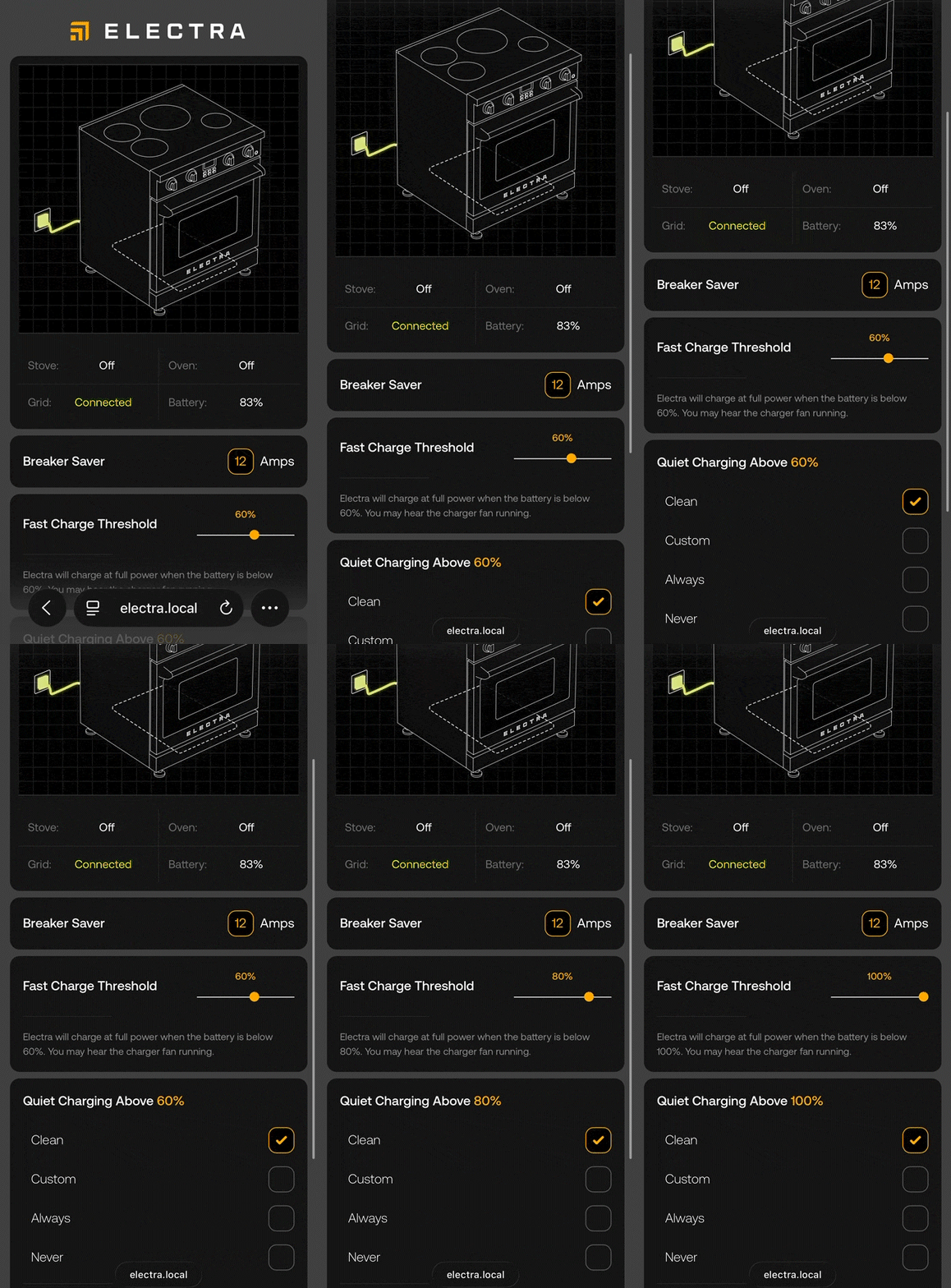
That’s it! You’re all set.
Note: You will hear the charging fan turn on. That’s totally normal. Once your stove is fully charged, the fan will stop.
With this setting enabled, Electra will blend wall power with battery power and charge continuously. This ensures your stove can cook for the longest possible duration during your holiday cooking.
When you’re done cooking, you can turn it back down.
If you’re not on WiFi
You can still cook as normal; the battery might just be close to empty at the end of a long bake (the oven uses 10X more energy than the cooktop!).
If you’re interested in getting connected to WiFi, you can follow these steps.
Further questions? Book a call here!
Happy cooking!


